
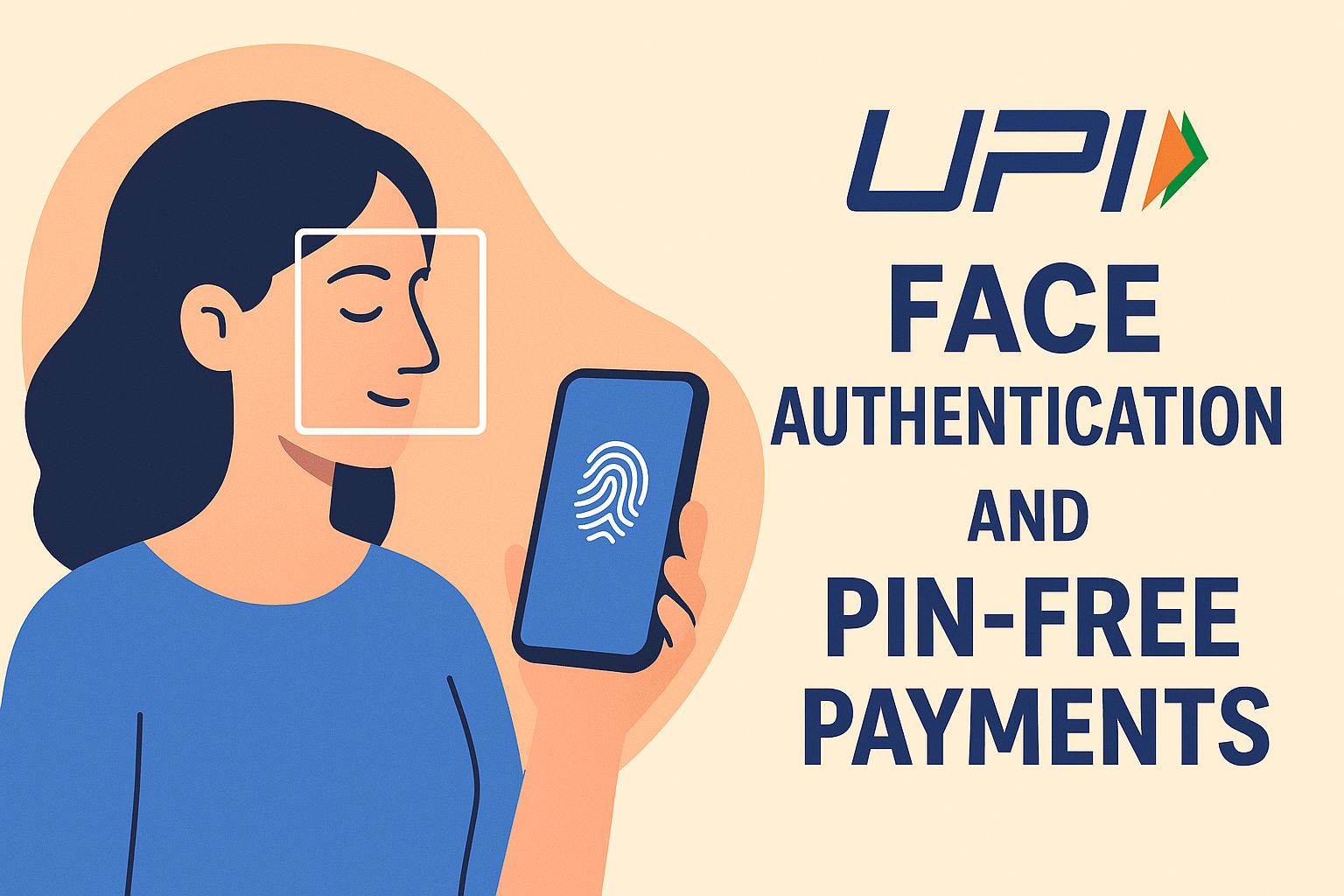
UPI’s New Rules from 8 October: Face Authentication and PIN-Free Payments Explained UPI (Unified Payments Interface) has changed the rules from 8 October. These changes affect how people pay and how apps confirm identity. In simple words, UPI now asks for stronger authentication. One big change is the use of face-based authentication and limiting PIN-free payments.
Face Authentication and PIN-Free Payments
Face authentication allowed: Payment apps can now use face biometrics to approve UPI transactions. This means you may use your face to confirm payments instead of just a PIN or fingerprint.
PIN-free (contactless) limits tightened: Apps that allowed small payments without a PIN or biometric must follow stricter rules. The number and value of such transactions are reduced.
Stronger checks for “trusted devices”: Apps must be careful when marking a phone or device as trusted for quick payments. There are steps to confirm the device and the user.
More transparency for users: You will get clearer information about the authentication method used for every transaction. Apps must show when a face scan or PIN was used.
Why these changes were made
Fraud reduction: Fraud using stolen phones, cloned SIMs, or fake OTPs has been rising. Stronger checks reduce such risks
Regulatory push: Authorities want safer digital payments. UPI is widely used, so stricter rules help protect millions of users.
Evolving technology: Face recognition and better device security are available now. Regulators want to use these tools while ensuring safety and privacy.
User trust: When people feel safe, they use UPI more. Clear rules help build trust.
How face authentication works
▪️Apps will ask to use the phone’s front camera and biometric software.
▪️The software checks your face live — it looks for movement, depth, or other signs to stop fake photos or videos.
▪️Face data is normally processed on the device, not sent to servers. This is called *on-device* processing.
▪️If your face matches, the app approves the transaction. You do not need to type the UPI PIN then.
▪️Many phones already have secure ways to store biometrics. Apps must use these secure methods.
What “PIN-free” or “contactless” payments mean now
▪️Previously, apps allowed small payments without entering the UPI PIN. This made quick purchases easy.
▪️New rules limit how many such PIN-free payments a user can make in a row and their total value.
▪️Apps must ask for stronger checks periodically, for example after a set number of transactions or after reaching a value threshold.
▪️For large purchases, you will still need to use the UPI PIN or biometric authentication.
Benefits for users
Better security: Face checks reduce the chance of unauthorized payments.
Convenience: For small, quick payments, face authentication is faster than entering a PIN every time.
Transparency: You’ll know what method was used to approve your payment.
Device-level privacy: When done on-device, your face data stays on your phone.
Concerns and cautions
Privacy worries: Some people worry about apps storing face data. Ask apps how they handle biometric data and whether it stays on your device.
Phone compatibility: Older phones may not support secure face authentication. If your phone is old, you may still need to use a PIN.-
False rejections: Poor lighting or camera problems may cause failed face scans. Apps must provide easy fallback methods like PIN or fingerprint.
Shared devices: If you share a phone, face-based approvals can be risky. Use separate accounts or avoid registering face biometrics on shared phones.
What payment apps must do
▪️Use secure, certified biometric systems that check for live faces (to prevent spoofing).
▪️Store biometric templates in secure areas of the phone (such as a secure enclave).
▪️Limit PIN-free transactions and prompt for stronger checks when rules call for them.
▪️Show clear prompts telling users when the face scan is being used.
▪️Provide easy fallback options if face authentication fails (for example, use a PIN).
▪️Keep logs and show transaction details that indicate what authentication method was used.
What users should do
▪️Update your payment apps when updates arrive. Newer versions will have the required security features.
▪️Read app permissions and privacy policies. Check if the app keeps your biometric data on the device.
▪️Keep your phone software up to date. Security patches help keep biometric systems safe.
▪️Use a strong phone lock (PIN, pattern, password) in addition to biometric locks.
▪️Avoid registering face data on phones you share with others.
▪️For important or large transactions, prefer using UPI PIN or fingerprint if you are not comfortable with face scanning.
▪️If you lose your phone, report it to your bank and block the UPI app immediately.
How this affects merchants and small businesses
Faster checkouts: Face authentication can make payments quicker when customers approve with a glance.
Training staff: Staff should learn when customers might need a PIN or alternative method, and how to handle failed scans.
Device choices: Merchants will need phones or QR devices that support the new secure authentication methods.
Fraud prevention: Stricter rules can cut down losses due to fake payments or unauthorized access.
A few practical scenarios
Buying coffee: You scan a QR code, confirm with a face scan. Payment completes in seconds without typing a PIN.p
Grocery run: Several small purchases may go through without a PIN — until the app requires a PIN after a few transactions or a limit is reached.
Shared phone: If someone borrows your phone, they should not be able to pay using your face. Do not register your face on shared devices.
Lost phone: If your phone is stolen, the thief cannot easily pay if the phone requires biometric checks and your lock is strong. Still, report and block the app.
Final thoughts
The new UPI rules from 8 October bring stronger safety and modern convenience. Face authentication can speed up small payments and reduce fraud. But users should stay aware of privacy and compatibility issues. Update apps, check permissions, and use fallback methods when necessary.Overall, these changes aim to make UPI safer while keeping it easy to use. With common-sense precautions, most people should benefit from faster and more secure payments.